


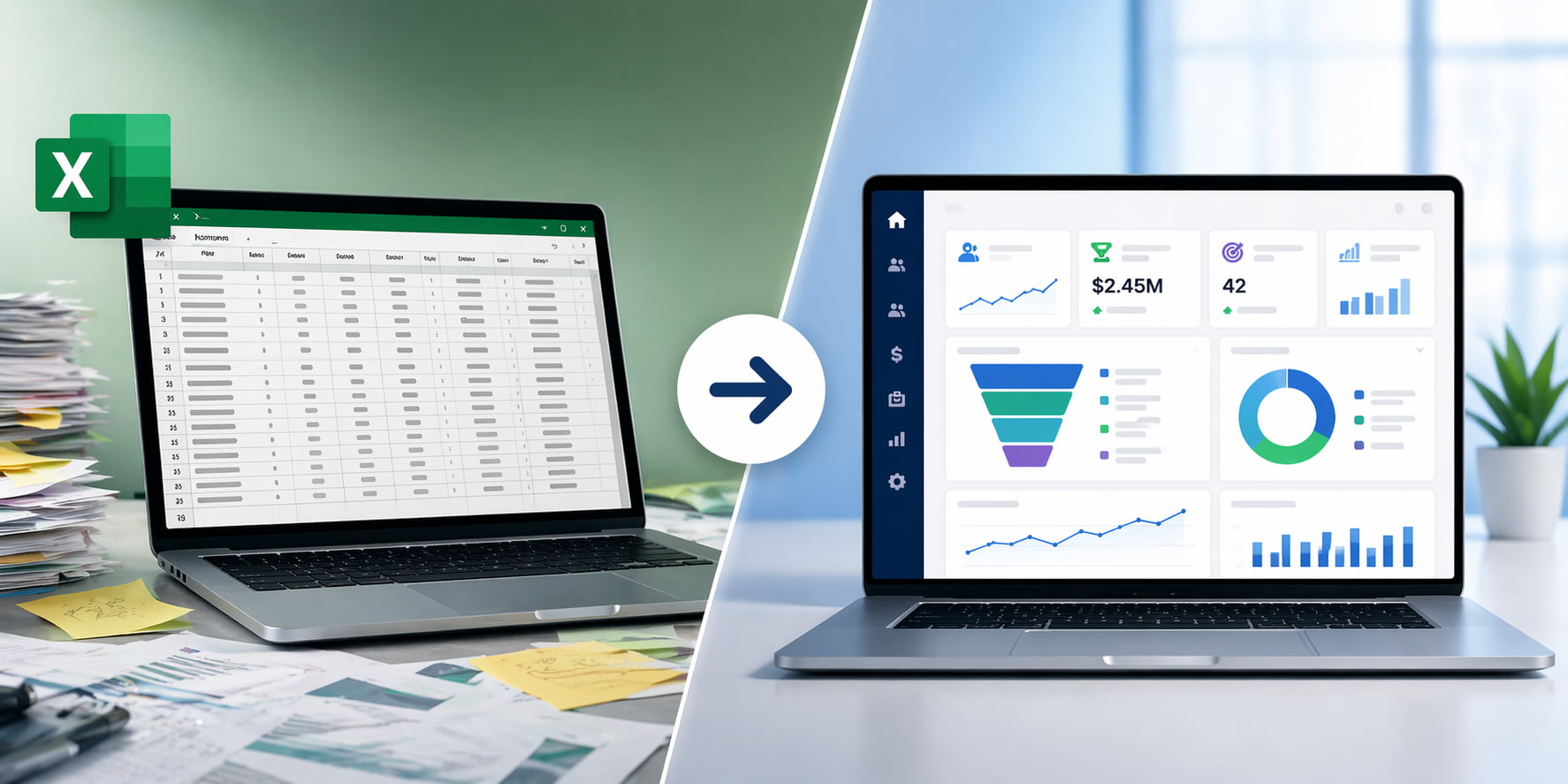
Many businesses start tracking customer information, leads, and sales pipelines in Excel. It is flexible, familiar, and easy to implement.
However, as your business grows, what once worked can begin to slow you down. Tracking deals becomes harder, follow-ups get missed, and reporting takes more time than it should.
At that point, the question is no longer whether Excel works, but whether it is still the right tool for your sales process.
This guide explains when it makes sense to upgrade from Excel to a CRM system and the key signs to look for.
When Is the Right Time to Move from Excel to a CRM?
You should consider moving from Excel to a CRM system when:
- Your sales pipeline lacks clear visibility
- Follow-ups are missed or inconsistent
- Customer data is scattered or duplicated
- Reporting requires too much manual effort
- Your team is growing and needs structure
At this stage, spreadsheets are no longer sufficient to manage your sales operations effectively.
What Are the Signs You Have Outgrown Excel for Sales?
Businesses outgrow Excel when manual processes begin to limit visibility, consistency, and scalability.
While Excel can handle basic customer tracking, it was not designed to support a growing sales operation. As your business scales, small inefficiencies can quickly turn into missed opportunities and lost revenue.
If your team is experiencing any of the challenges below, it may be time to move beyond spreadsheets and consider a CRM system.
These challenges are common among growing businesses that rely on spreadsheets to manage sales activities and customer information.
1. Your Sales Pipeline Lacks Visibility
Without real-time tracking, it becomes difficult to understand deal progress, identify bottlenecks, or forecast revenue accurately.
A CRM provides a live pipeline view so your team can act on accurate data.
2. Follow-Ups Are Missed or Inconsistent
Excel does not provide reminders or automation. Sales reps rely on memory, which leads to missed opportunities.
CRM systems automate follow-ups and ensure every lead is managed consistently.
3. Customer Data Is Scattered or Duplicated
Spreadsheets often exist in multiple versions across teams, leading to confusion and errors.
A CRM centralizes customer data into a single source of truth.
4. Reporting Takes Too Long
Manual reporting slows decision-making and often relies on outdated information.
CRM dashboards provide real-time insights without manual effort.
5. Your Sales Process Is Not Standardized
Excel allows flexibility, but that flexibility creates inconsistency across teams.
CRM systems introduce structured sales stages and processes.
6. Your Team Is Growing
As more people manage customer data, coordination becomes difficult in spreadsheets.
CRM systems are designed to support collaboration at scale.
7. Too Much Time Is Spent Managing Data
If your team spends more time updating spreadsheets than selling, productivity suffers.
CRM automation reduces manual work and increases focus on revenue-generating activities.
If you recognize several of these signs, it may be time to evaluate a CRM system for your business.
Explore our Dynamics 365 CRM services to see how your business can transition from Excel to a scalable system.
How Easy Is It to Move from Excel to a CRM?
Many businesses assume moving from Excel to a CRM system will be complicated or disruptive. In reality, modern CRM platforms such as Dynamics 365 Sales are designed to make the transition manageable and scalable.
Customer data, contacts, lead lists, and sales activities stored in spreadsheets can typically be imported into a CRM system with structured migration tools and support.
For many organizations, the biggest challenge is not the technology itself. It is creating a more consistent sales process and improving visibility across the team.
Starting with a CRM system also does not mean implementing a full ERP platform immediately. Many businesses begin with CRM to improve sales tracking and customer management first, then expand later if operational needs grow.
What Happens When You Switch from Excel to a CRM System?
A CRM system replaces manual tracking with automation, centralized data, and real-time insights.
Instead of relying on spreadsheets, your team works within a structured system designed to manage relationships, activities, and revenue in one place.
Here is what that looks like in practice.
Centralized Customer Data in One Place
With Excel, customer information is often spread across multiple files, emails, and notes.
A CRM system brings everything together into a single, unified record, including:
- Contact details
- Communication history
- Deal status and activity timeline
This gives your team a complete view of every customer, making interactions more informed and consistent.
Automated Follow-Ups and Task Management
In a CRM, follow-ups are no longer dependent on memory.
You can:
- Set automated reminders for next steps
- Trigger follow-up emails based on activity
- Assign tasks to team members automatically
This ensures that no opportunity is overlooked and every lead is managed consistently.
Real-Time Pipeline Visibility
Sales teams can instantly see deal progress, pipeline value, and performance.
This is often the turning point for businesses moving away from Excel.
Request a Dynamics 365 CRM demo to see how real-time tracking and automation work in practice.
Built-In Reporting and Forecasting
Reporting in Excel often requires manual work and constant updates.
CRM systems provide:
- Live dashboards
- Performance tracking by rep, team, or region
- Forecasting based on real-time data
This allows leadership to monitor performance without waiting for reports to be compiled.
Standardized and Scalable Sales Processes
A CRM introduces structure to your sales process.
You can define:
- Sales stages
- Required activities
- Approval workflows
As your business grows, this structure ensures consistency across your team while making it easier to scale operations.
Improved Collaboration Across Teams
Sales, marketing, and customer service teams often work separately when using spreadsheets.
A CRM connects these functions by providing shared access to customer data.
This improves:
- Internal communication
- Customer experience
- Alignment across departments
More Time Spent on Selling, Not Admin Work
One of the most immediate benefits is time savings.
By reducing manual data entry and repetitive tasks, your team can focus on:
- Engaging prospects
- Building relationships
- Closing deals
This shift has a direct impact on productivity and revenue growth.
Excel vs CRM for Sales Management
| Feature | Excel | CRM |
| Data management | Manual | Centralized |
| Follow-ups | Manual | Automated |
| Reporting | Time-consuming | Real-time |
| Collaboration | Limited | Shared access |
| Scalability | Limited | Designed for growth |
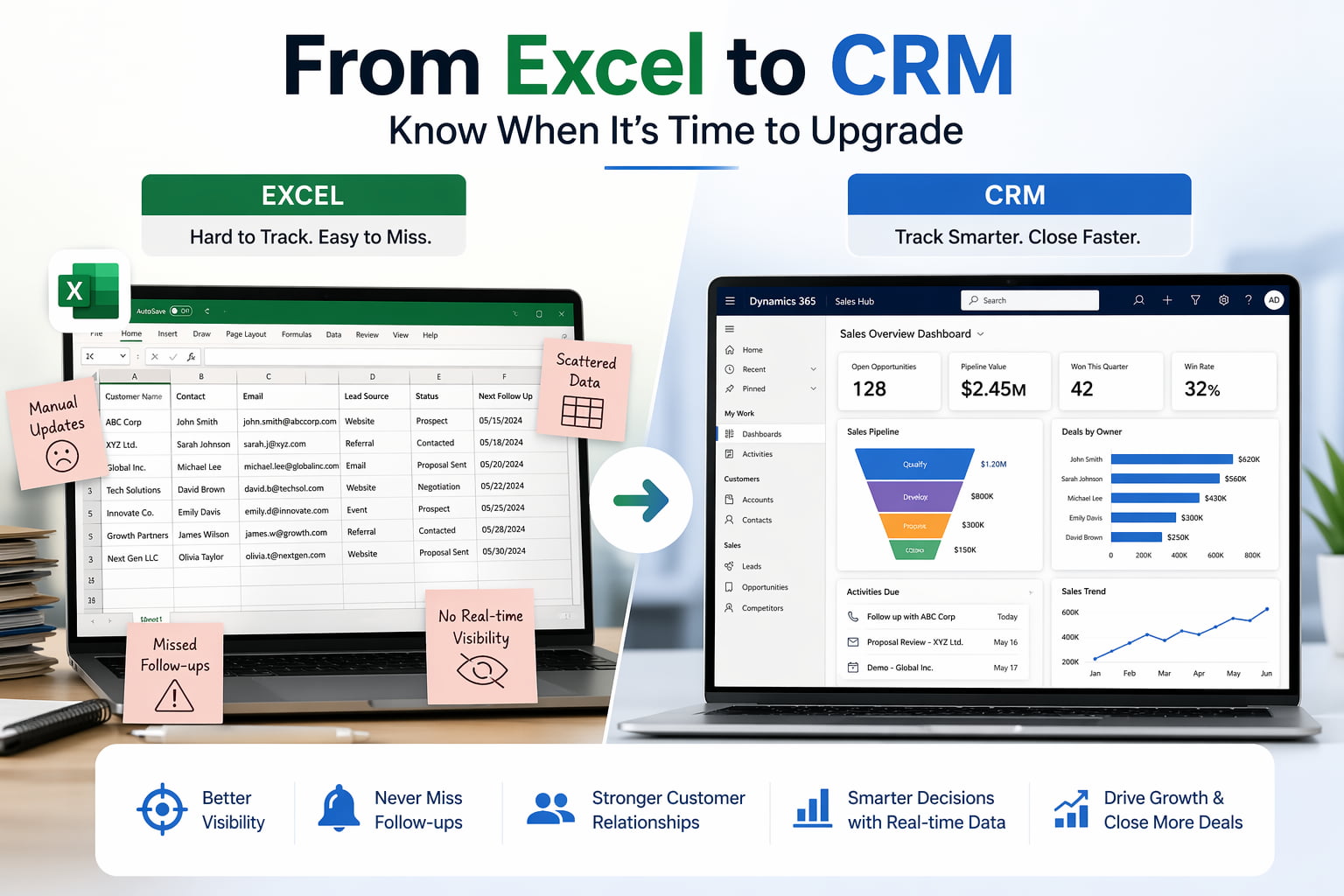
The Measurable Impact of Moving from Excel to CRM
The shift from Excel to a CRM system is not just about convenience. It delivers measurable improvements across sales performance, productivity, and forecasting accuracy.
Organizations that implement CRM systems consistently report stronger results because they move from manual tracking to structured, data-driven processes.
Businesses that move from Excel to a CRM system often see:
- Up to 29% increase in sales
- Up to 34% improvement in productivity
- Up to 42% better forecast accuracy
Source: https://www.salesforce.com/resources/research-reports/state-of-sales/
These improvements are achievable with the right strategy and implementation. Explore real CRM case studies to see how businesses have improved sales performance and pipeline visibility after moving beyond spreadsheets.
Increased Sales Performance
With better visibility into the pipeline and consistent follow-ups, sales teams are able to close more deals.
CRM systems help by:
- Prioritizing high-value opportunities
- Reducing missed follow-ups
- Providing clear next steps for every deal
Higher Sales Productivity
When teams no longer spend hours updating spreadsheets or searching for information, they can focus on revenue-generating activities.
CRM systems improve productivity through:
- Automation of repetitive tasks
- Centralized data access
- Reduced administrative workload
More Accurate Forecasting
Forecasting in Excel is often based on outdated or incomplete data.
A CRM system uses real-time pipeline data to provide more reliable projections.
This leads to:
- Better planning
- More confident decision-making
- Reduced revenue uncertainty
Improved Customer Experience
When all customer interactions are tracked in one place, your team can deliver more consistent and personalized communication.
This results in:
- Faster response times
- Better relationship management
- Increased customer satisfaction
Speak with a CRM specialist to understand what these improvements could look like for your business.
When Excel Still Makes Sense
While CRM systems offer clear advantages, Excel is not the wrong choice in every situation. For some businesses, it can still be a practical and efficient tool.
Understanding when Excel works well helps you make a more informed decision and ensures you are upgrading for the right reasons.
Use Excel if:
- Your team is small
- Your sales process is simple
- You manage a low volume of customers
- Reporting and automation are not critical
In these cases, spreadsheets can still support your needs effectively.
The Turning Point to Watch For
Even if Excel works today, most businesses reach a point where it starts creating more problems than it solves.
That turning point usually happens when:
- Data becomes harder to manage
- Opportunities begin to slip through the cracks
- Visibility into sales performance is limited
When this happens, staying in Excel can hold your team back rather than support growth.
If your challenges extend beyond sales into finance, inventory, or operations, you may need an ERP system instead of or alongside a CRM.
Read more about when to move from Excel to an ERP system.
Take the Next Step: Evaluate Your Sales Process
If your team is spending more time updating spreadsheets than managing relationships, it may be time to move to a system built for sales.
Microsoft Dynamics 365 CRM is a cloud-based platform designed to manage sales, customer relationships, and pipeline activity in one system.
With Dynamics 365, you can:
- Track every lead, contact, and opportunity in one place
- Automate follow-ups and sales activities
- Gain real-time visibility into your pipeline
- Generate accurate forecasts and reports
- Align sales, marketing, and customer service teams
This is not just a system upgrade. It is a way to bring consistency, visibility, and efficiency to your entire sales process.
Why Work with Calsoft?
Choosing the right CRM is only part of the process. Implementation and adoption are what drive real results.
Calsoft helps businesses:
- Evaluate whether CRM is the right fit
- Design a system aligned with your sales process
- Migrate data from Excel and other tools
- Configure workflows, automation, and reporting
- Ensure successful user adoption across your team
With deep expertise in Microsoft Dynamics 365, Calsoft focuses on practical implementations that deliver measurable outcomes.
For most growing businesses, the shift from Excel to a CRM happens when manual processes begin to slow down sales performance.
Frequently Asked Questions
Excel is a spreadsheet tool used for organizing data, while a CRM system is designed to manage customer relationships, sales pipelines, and interactions. A CRM provides automation, real-time visibility, and collaboration features that Excel does not support.
A small business should move from Excel to a CRM when managing customer data becomes time-consuming, follow-ups are missed, or sales processes require better organization and visibility.
Excel can work for basic sales tracking in small teams with simple processes. However, it becomes limiting as your business grows because it lacks automation, scalability, and real-time insights.
Excel can be used as a basic CRM for tracking contacts and deals, but it does not provide essential CRM capabilities such as automated workflows, activity tracking, and centralized customer records.
No, CRM systems are used by businesses of all sizes. Small and growing businesses often benefit the most because a CRM helps establish structure early and supports growth.
A CRM is focused on managing sales, customer relationships, and interactions. An ERP system is designed to manage broader business operations such as finance, inventory, and supply chain. If your challenges are primarily sales-related, a CRM is typically the right starting point.

